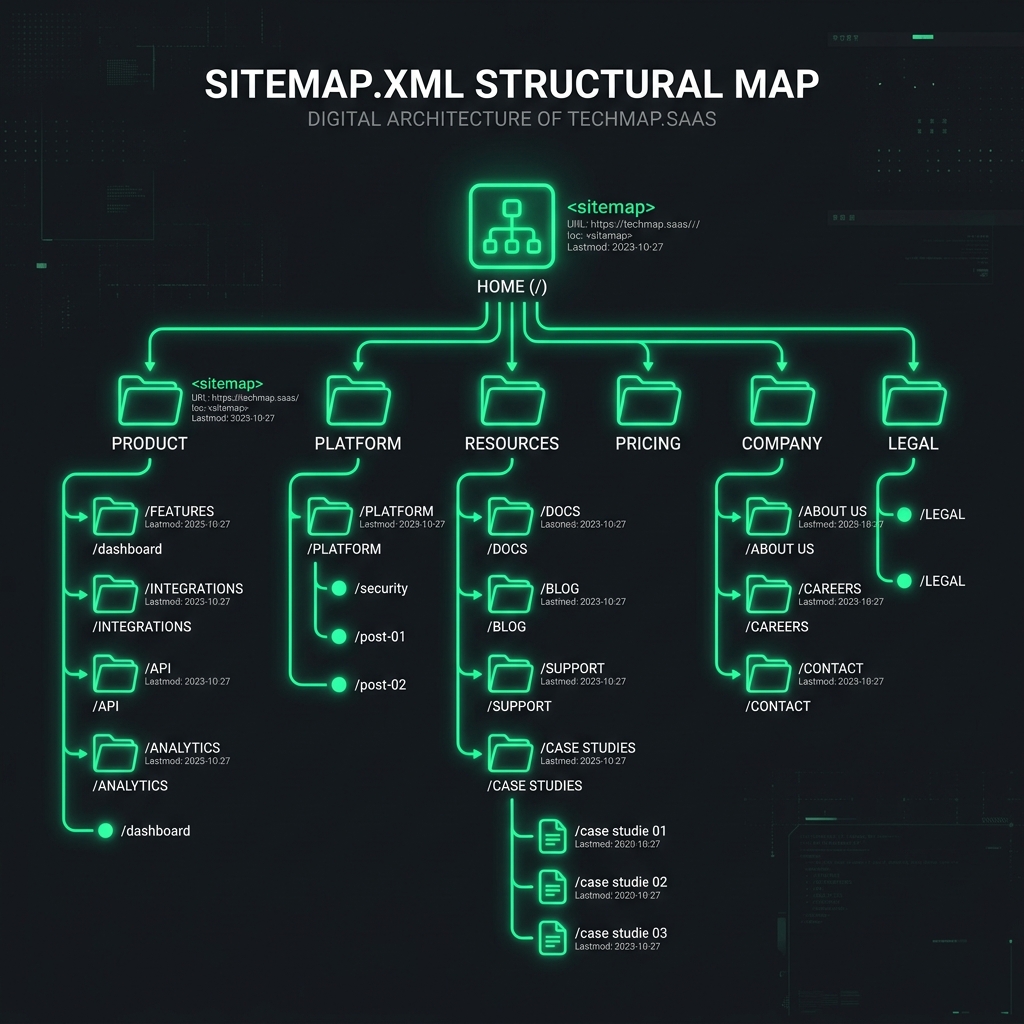
Sitemap.xml is one of the most important files for SEO, which is often forgotten or configured incorrectly. Let's analyze what it is, what it looks like, how to create it, and why it directly affects the indexing speed of your site.
What is sitemap.xml?
A Sitemap is an XML file that contains a list of all important URLs of your site. It is located at https://your-site.com/sitemap.xml and acts as a "guidebook" for search engine crawlers.
Imagine your site is a large office building. Without a floor plan, the cleaner (Googlebot) would wander the corridors randomly, possibly never finding some rooms. A Sitemap is exactly that plan showing where everything is located.
Google recommends using a sitemap for any site with more than 500 pages, new sites with few external links, and sites with media content (video, images).
Structure of sitemap.xml
A basic sitemap looks like this:
What the tags mean:
| Tag | Required | Description |
|---|---|---|
<loc> | ✅ Yes | Full URL of the page starting with https:// |
<lastmod> | ❌ No | Date of last modification (format YYYY-MM-DD) |
<changefreq> | ❌ No | Frequency of changes: always, hourly, daily, weekly, monthly, yearly, never |
<priority> | ❌ No | Priority from 0.0 to 1.0 (default is 0.5) |
Google has officially stated that changefreq and priority are mostly ignored. However, lastmod really matters — Google prioritizes pages with a recent modification date.
Types of sitemaps
Regular sitemap
A list of URLs in XML format. Suitable for sites with up to 50,000 pages.
Sitemap Index
If you have more than 50,000 URLs or the file exceeds 50 MB — use a sitemap index. This is a "parent file" that links to separate sitemap files.
IndexFast automatically recognizes and processes both regular sitemaps and sitemap indexes of any depth.
How to create a sitemap.xml
Plugins like Yoast SEO or Rank Math generate a sitemap automatically at /sitemap_index.xml.
Sitemaps are generated automatically and available at /sitemap.xml.
Generate dynamically from the database using packages or write a simple script.
How to register your sitemap in Google
Having a sitemap is not enough. Google needs to know where it is. There are two ways:
Method 1: via robots.txt
Method 2: via Google Search Console
- Open Search Console → select your property.
- In the left menu: Indexing → Sitemaps.
- Enter your sitemap URL and click "Submit".
Common sitemap mistakes
- URLs with noindex — do not include pages with a
noindextag. - Broken links — all URLs in the sitemap must return a 200 status code, not 301 or 404.
- Outdated lastmod — if you specify lastmod, update it only when there are real changes.
- Sitemap missing in robots.txt — Google might simply not find your file.
Sitemap + Indexing API = maximum speed
Even a registered sitemap in Search Console does not guarantee fast indexing. Google might process it in a week, or maybe in a month.
The most effective strategy is combining an up-to-date sitemap with active URL submission via the Google Indexing API. You don't wait for Google to come itself — you tell it "here is a new page, crawl it now".
Submit your sitemap for indexing right now
IndexFast will read your sitemap.xml and submit all URLs via the Google Indexing API. The result — pages in Google by tomorrow.
Try for free →