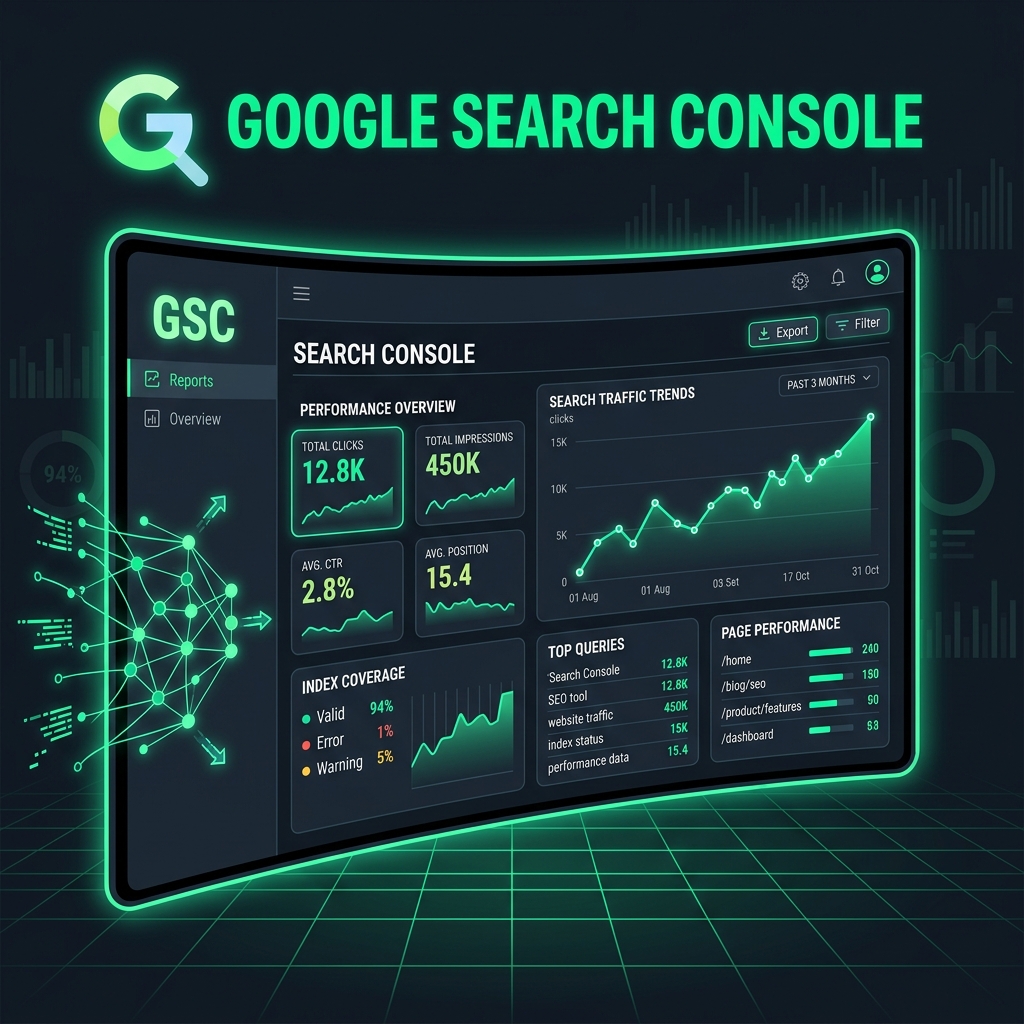
What is Google Search Console and Why Do You Need It
Google Search Console (GSC) is a free web interface from Google that allows website owners to monitor search presence, detect indexing issues, and improve visibility in Google.
Unlike Google Analytics, which shows what users do on the site, GSC shows what happens before the visit.
It is the only tool that shows actual search queries, positions in Google, and problems seen by Google.
How to Set Up Google Search Console
Step 1. Add Property
- Go to search.google.com/search-console and log in with your Google account.
- Click "Add Property" in the top left corner.
- Choose property type: "Domain" (recommended) or "URL prefix".
- Enter the site address without www and protocol (for Domain type) or full URL.
The Domain type covers all protocols (http/https) and subdomains simultaneously. For new resources, always choose Domain.
Step 2. Verify Ownership
GSC offers several verification methods:
| Method | Difficulty | When to Use |
|---|---|---|
| DNS TXT record | Medium | Most reliable, recommended for Domain type |
| HTML file | Easy | If you have access to FTP/site files |
| Meta tag | Easy | If you have access to the page code |
| Google Analytics | Very easy | If GA is already installed |
| Google Tag Manager | Very easy | If GTM is already configured |
Key GSC Reports
Performance
The most important report. It shows:
- Clicks — how many times users clicked through to the site from search.
- Impressions — how many times the site appeared in results.
- CTR — the ratio of clicks to impressions.
- Position — average position in Google for the selected period.
Filter by queries, pages, devices, and countries to find growth points.
Coverage / Indexing
Shows the indexing status of all site pages. Four categories:
- ✅ Valid — pages indexed by Google
- ⚠️ Valid with warnings — indexed, but with issues
- ❌ Errors — pages not indexed due to errors
- ℹ️ Excluded — intentionally excluded (noindex, duplicates, etc.)
"Discovered - currently not indexed" — Google knows about the page, but doesn't consider it important enough. Solution: improve content, add internal links, or use IndexFast.
Sitemaps
Section for adding and monitoring sitemap.xml. Significant discrepancy between discovered and indexed URLs is a signal of problems.
URL Inspection
The most useful tool for working with individual pages. It allows you to:
- See how Google views a specific page
- Check if the page is indexed
- Request indexing manually (the "Request Indexing" button)
- View rendering — how the HTML looks after JS execution
Using GSC to Speed Up Indexing
Manual indexing request via "URL Inspection" is the standard method, but it has limits.
For systematic indexing of hundreds of pages, you need the Google Indexing API.
Прискор індексацію автоматично
IndexFast використовує офіційний Google Indexing API і відправляє до 100 URL на день у PRO-плані. Налаштування займає 10 хвилин.
🚀 Спробувати безкоштовно →Practical Tips
Monitor Core Web Vitals
The "Page Experience" section shows CWV based on real user data.
Set up notifications
GSC sends an email when critical issues are detected. Make sure notifications are enabled.
Compare periods
In the "Performance" report, use the date comparison feature.
Look at mobile separately
Filter reports by device. Poor mobile rankings signal issues with the mobile version.